Let guests ring you from a locked door.
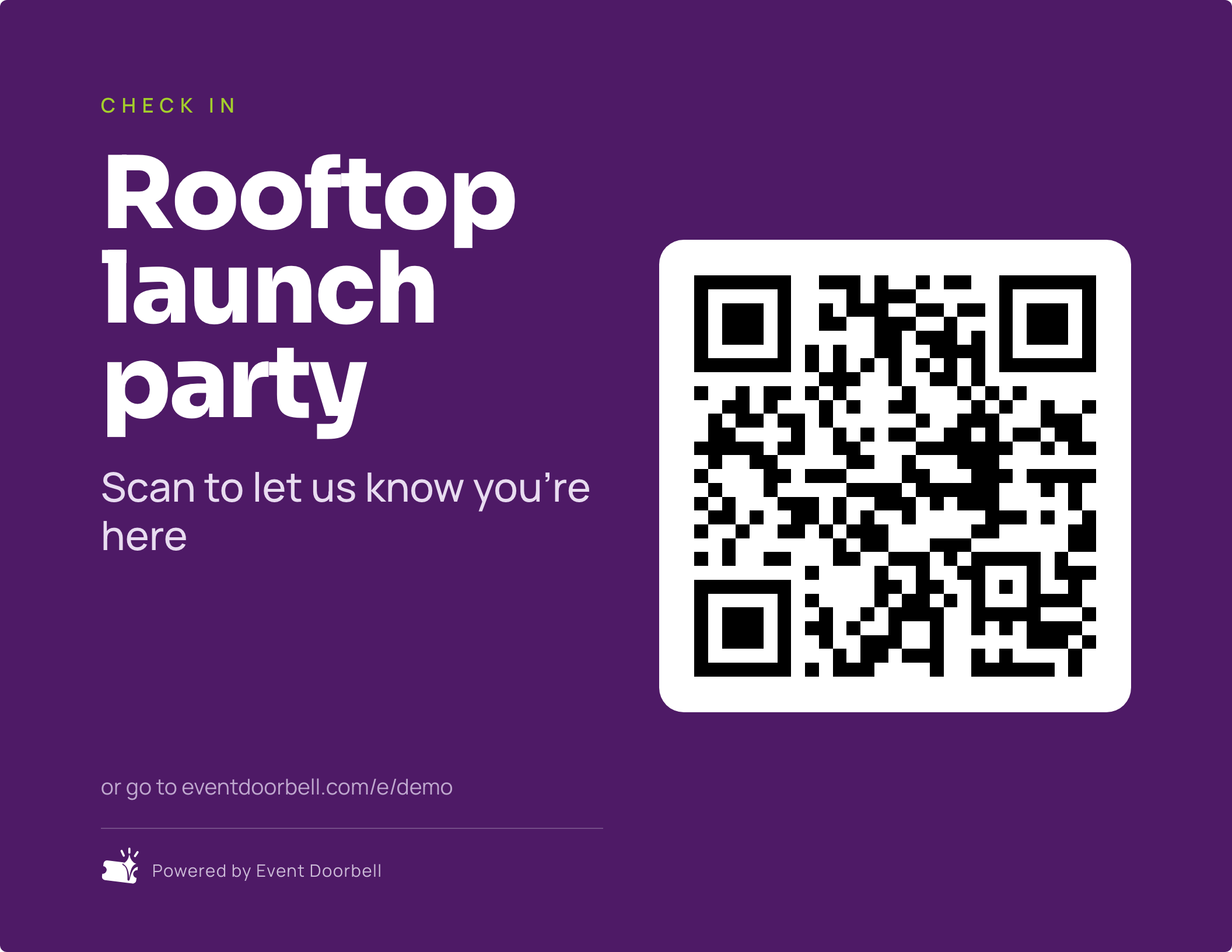
You're upstairs. The lobby door is locked, the buzzer doesn't work, and your phone is buried in a group chat. Tape a QR code to the door instead — guests scan it, type their name, and tap the bell.
Your dashboard chimes inside. You go let them in.
Create an event
Three steps, then you forget about it
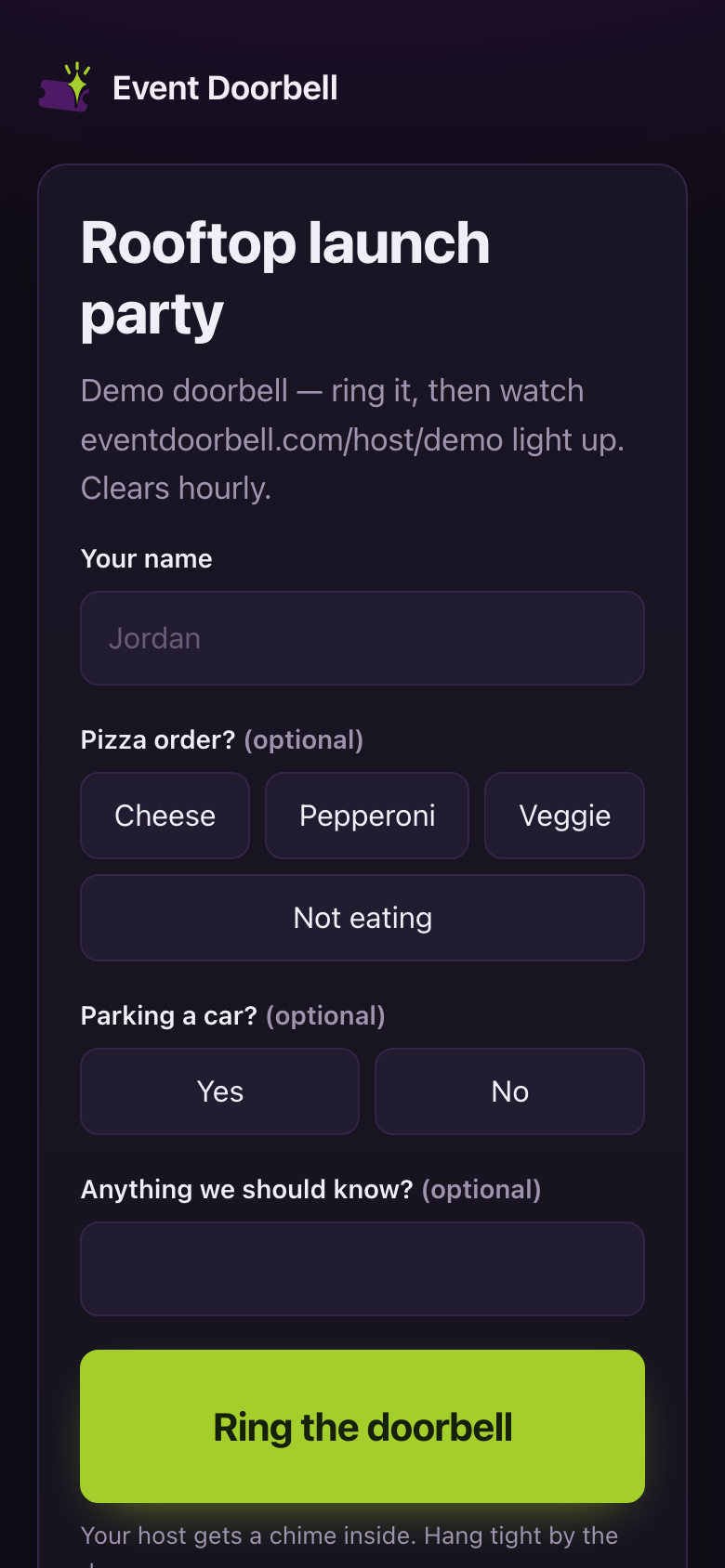
Name it and add any questions you want asked at the door. You get a QR code and a short link straight away.
Six designs, US Letter landscape. Tape one up wherever guests actually arrive — lobby, back door, gate.
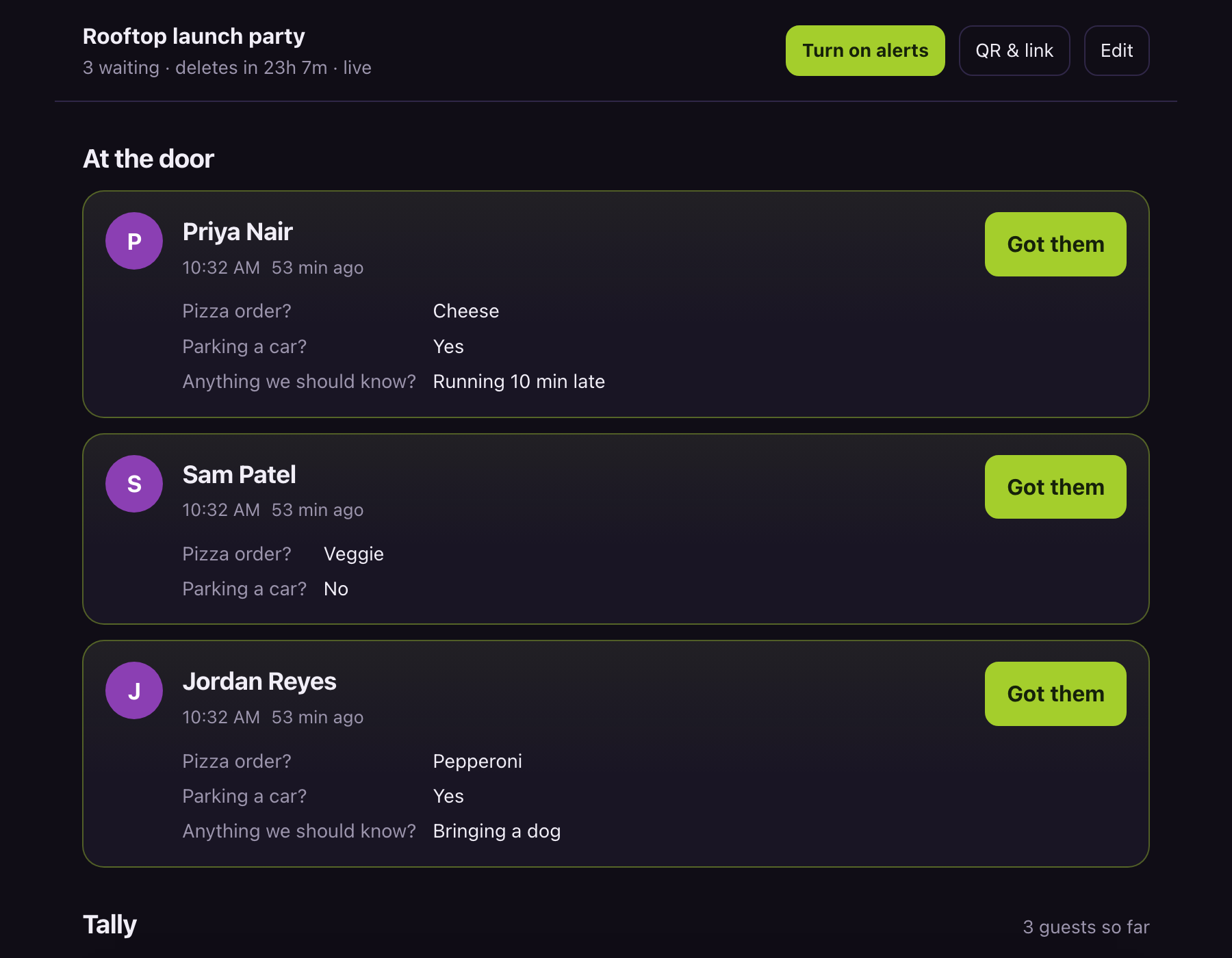
The dashboard chimes when someone rings. Tap Got them and their phone tells them you're coming.
Everyone at the door, on one screen
It checks every five seconds and plays a real doorbell chime, fires a browser notification, and buzzes on phones — so it works whether you're watching it or not.
- Answers attached to each person, not buried in a form response.
- A running tally, so the pizza order counts itself.
- A wake lock, so a propped-up laptop doesn't sleep through the party.
- Co-hosts — add anyone by email and it opens on their phone too.
Six signs, ready to print
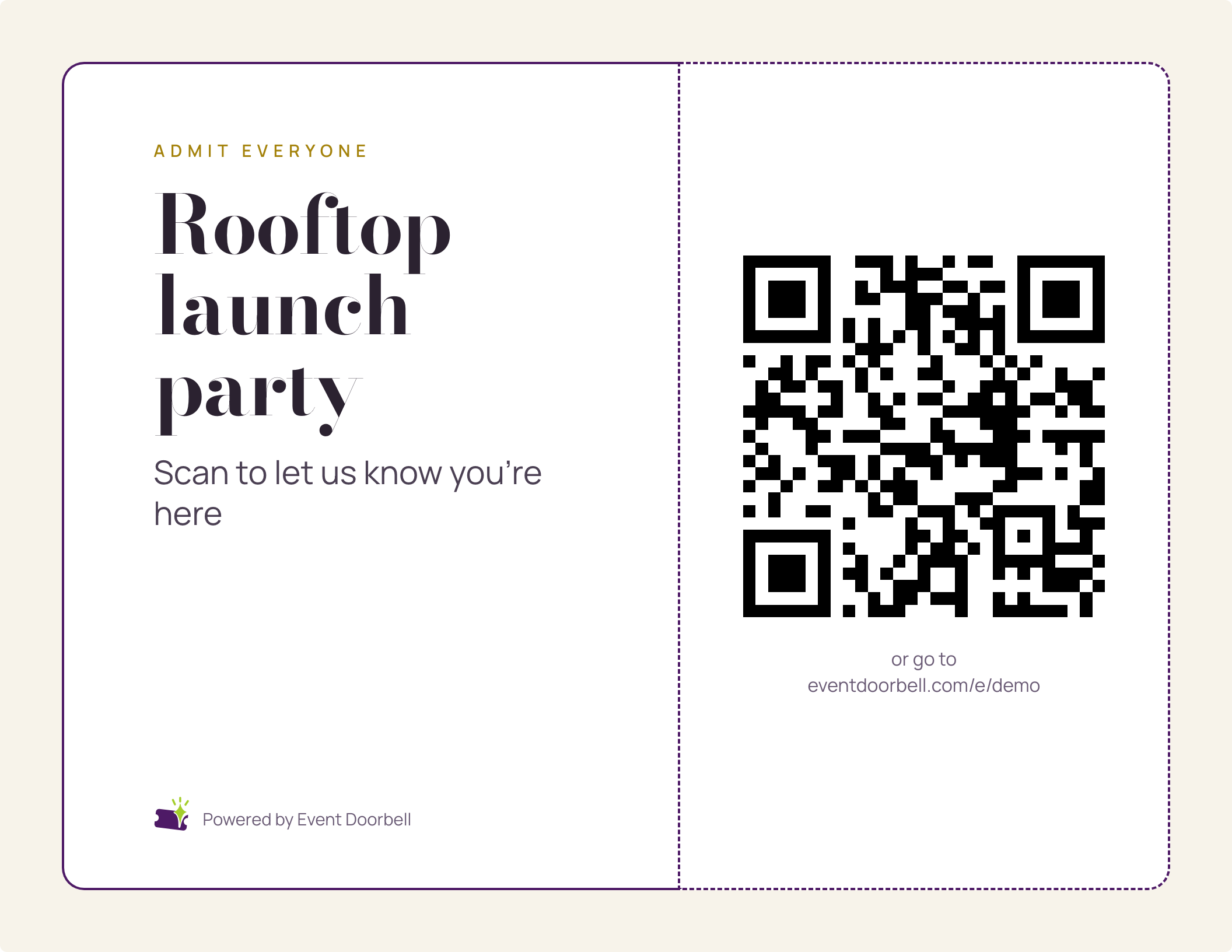
Pick a design, print it, tape it up. Bold and ink-heavy for a busy lobby, or quiet and editorial for somewhere nicer. The QR is generated at print resolution, so it scans from across the entrance.
- US Letter, landscape, full bleed, one sheet.
- Long event names autofit instead of clipping.
- Typography is self-hosted — venue wifi can't break your sign.
No app, no account, no group chat
Any phone camera opens it. They type a name, answer whatever you asked, and tap once. Then the page tells them where they stand — including the moment you're on your way.
- Ask anything: pizza order, party size, parking, accessibility needs.
- They can change their answer on the way up, and your tally follows.
- Double-taps don't double-list them — it just nudges you again.
Built for doors that don't cooperate
- A locked lobby. Offices, secure apartments, co-working spaces — anywhere the buzzer is broken or unmanned.
- You're hosting and doing everything else. Presenting, cooking, mid-conversation. A co-host can watch the door.
- A door nobody can hear. Basements, back entrances, loud rooms, the far end of a building.
- A group chat gone feral. No more "I'm here" spread across four apps.
- Guests you can't ask to install anything. No account, no download — just a camera.
- Something you run every month. A standing event keeps one code and one printed sign forever.
Names disappear with the event
Guests
A name and their answers, held only as long as the event. One-off events delete themselves 24 hours after they're created.
History
Recurring events keep counts only — how many came, how many chose each answer. Never names, and free text becomes "3 answered".
You
An email address and the events you own. No analytics, no trackers, no marketing mail. Read the policy.